How to become our member
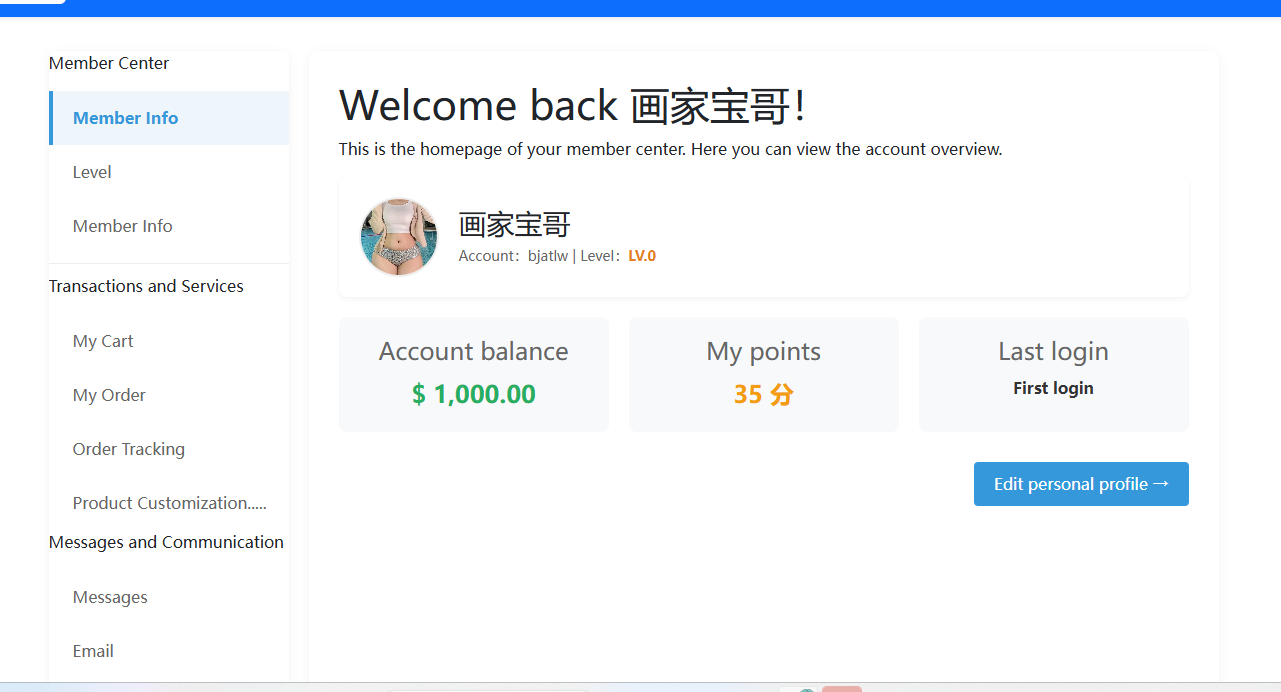
Here is the guide on how to register and log in, and access the member center of the website:
1. Click the "Login/Registration" button at the top right corner of the website, and the following interface will pop up:
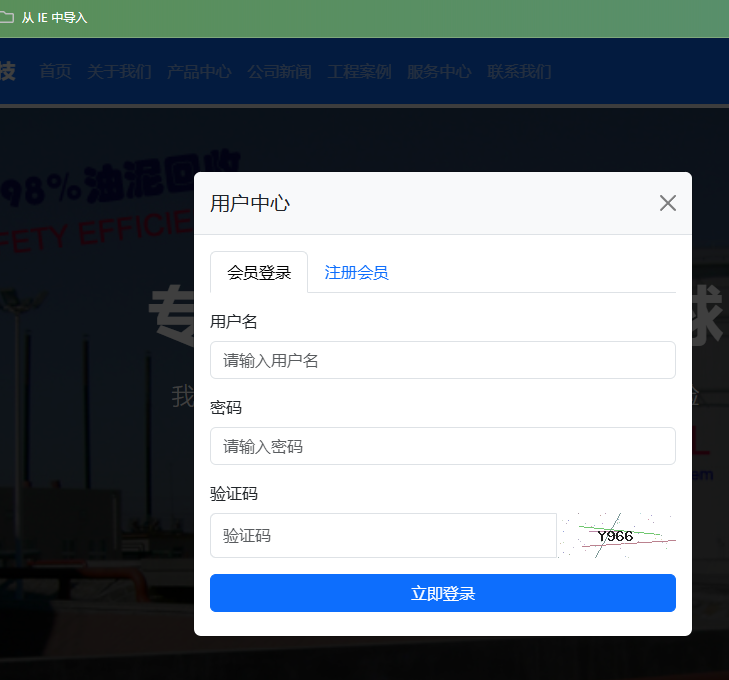
2. If you are already a member, simply enter your member name and password to access the member center.
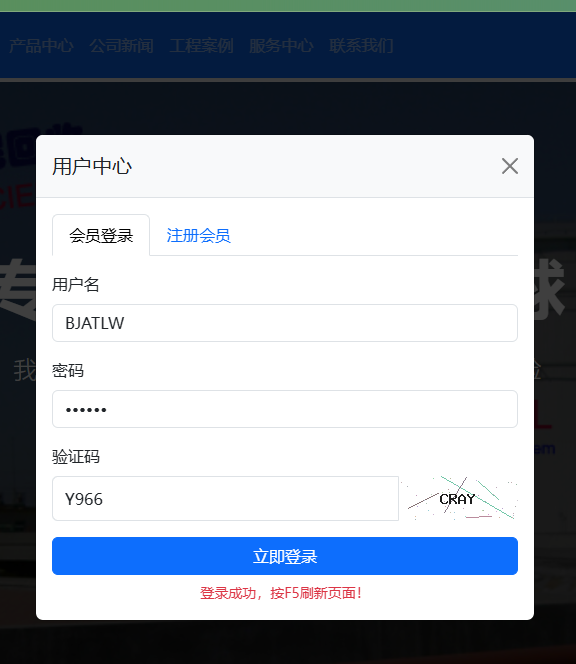
3. Click on "Register Member" and enter the required information. Then click "Register" to become a member.
4. Manually click the F5 button on the keyboard, and the pop-up window will disappear.

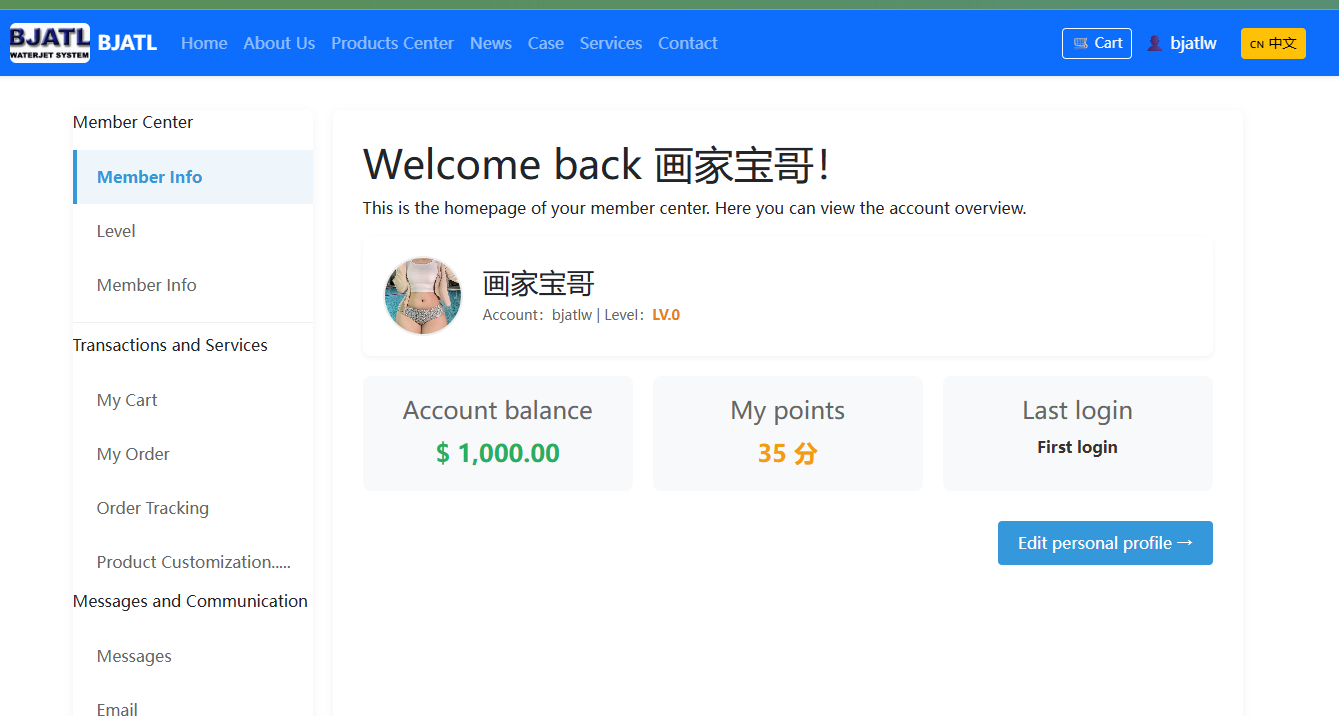
5. Click on your member name in the upper right corner to enter the member center;
Customer Reviews
0 review(s) |
Average rating:
☆☆☆☆☆
(0/5)
Only registered members can leave a review.
Please log in or register to submit a review.
No reviews yet.